DNS is a directory of domain names that align with IP, and it bridges the gap between computer and human language.

There are basically two packets when we observe DNS in Wireshark - query and response packet as show in the screenshot:
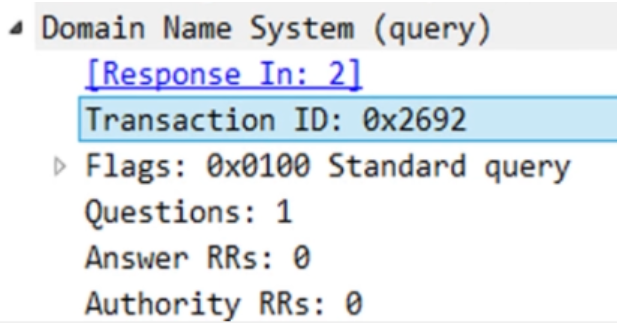

>The transaction id is same in both query and response.
Flags:
A>If the first bit in DNS flag is zero that means it’s a DNS query packet.
B >If it's 1 then it’s a response packet
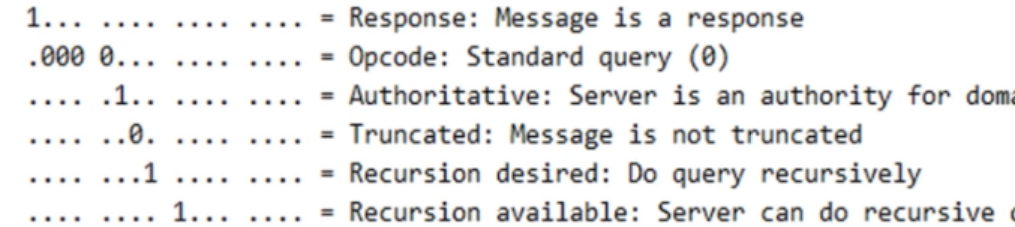
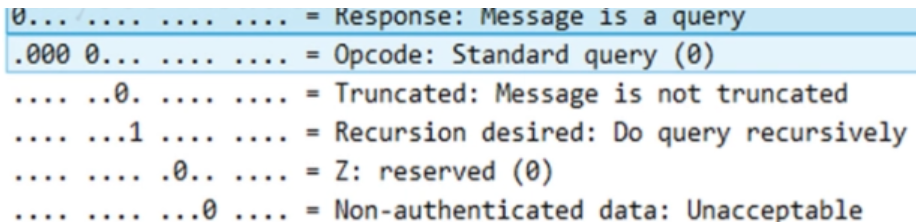
>Opcode number are of four different values signifies whether it’s an update packet or not for example:
If the value of the opcode subfield is 0 then it is a standard query.
The value 1 corresponds to an inverse of query that implies finding the domain name from the IP Address.
The value 2 refers to the server status request.
The value 3 specifies the status reserved and therefore not used.
>Truncated field tells us whether packet it is cut shot or not.
>Recursion means where one DNS server communicates with several other DNS server to hunt down an ip address and return it to the client
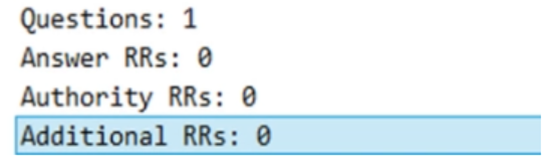
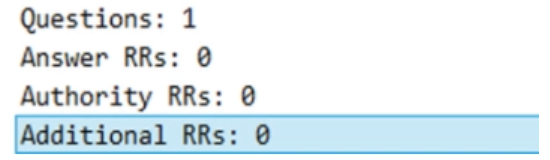
>Questions field signifies whether you have queried for something or not. Default is 1 for any request sent or received.
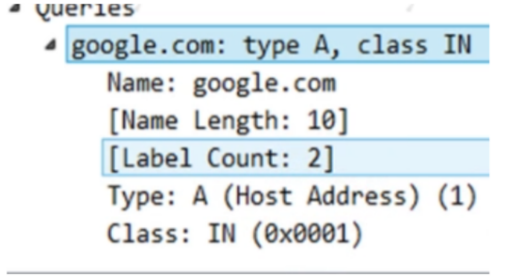
>Queries signifies what is the host address of google.com and IN stands for internet class.

>Time column is only available in query response field, it tells how long response took to comeback.

>Reply code all 0 means it’s a positive response no error.
>Reply code 2 means server failure.
>Rely code 3 req name is not in server.

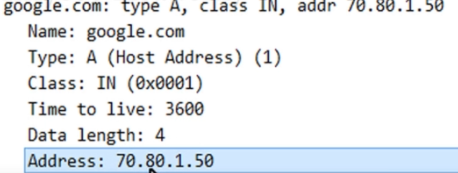
>Answer section tell host address of google.com is 70.80.1.50 this is positive response.
>A positive response will have answer section here.
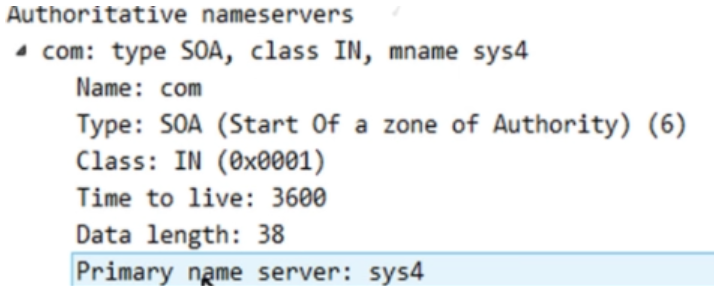

>DNS authoritative response: It tell client that whatever record resource you have asked the server is not available as shown in the above screen shot. If it is available, then it sends positive response.
