Issue: Users experiencing authentication failures when using SAML-based authentication, particularly with external services like G-Suite.
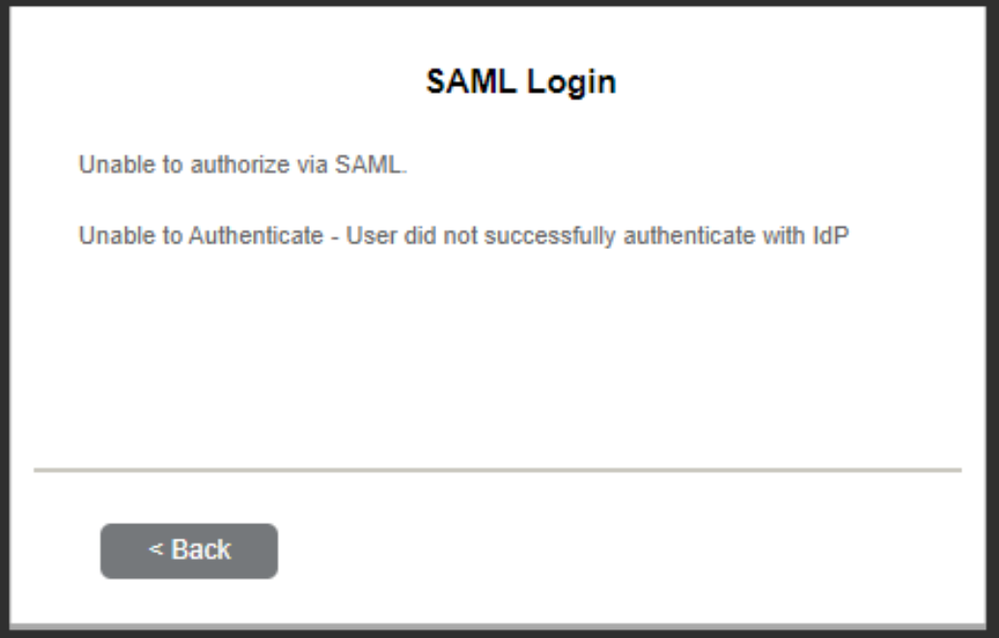
Root Cause: The Security Assertion Markup Language (SAML) relies on precise time synchronization between the systems involved (identity provider, service provider, and user's device) to ensure the security of authentication transactions.
Resolution:
Follow this guide for instructions on how to configure SAML services in RUCKUS Cloudpath.
How SAML Works:
Request Initiation:
- User requests access to a service.
- Service Provider (SP) redirects the user to the Identity Provider (IdP) for authentication.
Authentication:
- IdP authenticates the user by requesting credentials (e.g., username and password).
- IdP generates a SAML assertion containing authentication information encrypted with the SP's public key and user details.
SAML Assertion:
- SAML assertion includes a timestamp to ensure its freshness.
- If the SAML assertion is too old (beyond a defined time window), the assertion is considered invalid.
Response to Service Provider:
- IdP sends the SAML assertion back to the user's browser.
Access Granted:
- User's browser submits the SAML assertion to the SP.
- SP validates the assertion's authenticity and, if valid, grants access.
