This article explains setting up a Cloudpath Enrollment System SCEP certificate generation with Intune for Android devices, there is a document which covers all the Intune related integration except Android, which is a concern of a lot of our customers.
NOTE: This article specifically covers SCEP cert generation.
https://support.ruckuswireless.com/documents/3805-deployment-guide-cloudpath-es-intune-scep-integration

For Android specific there are few limitations in Intune, which is not similar to what is being done for other Device types.
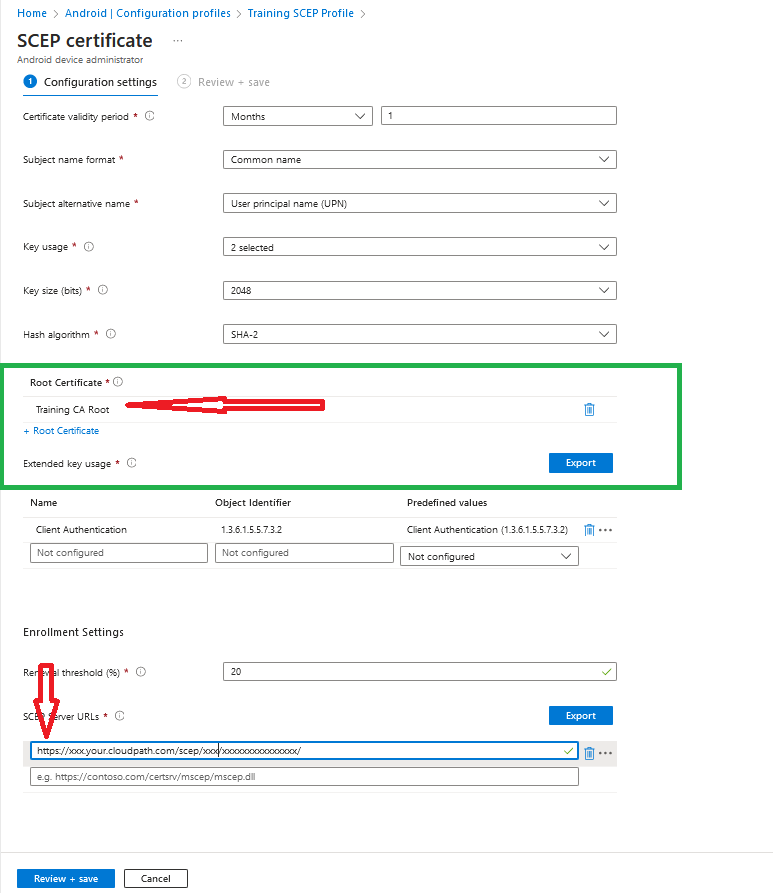
SCEP request needs to be https instead of http.
SCEP profile should marked with Root Certificate, on other device type Intermediate Certificate is marked.(as shown below)
Ref Article: https://learn.microsoft.com/en-us/mem/intune/protect/certificates-trusted-root#create-trusted-certificate-profiles
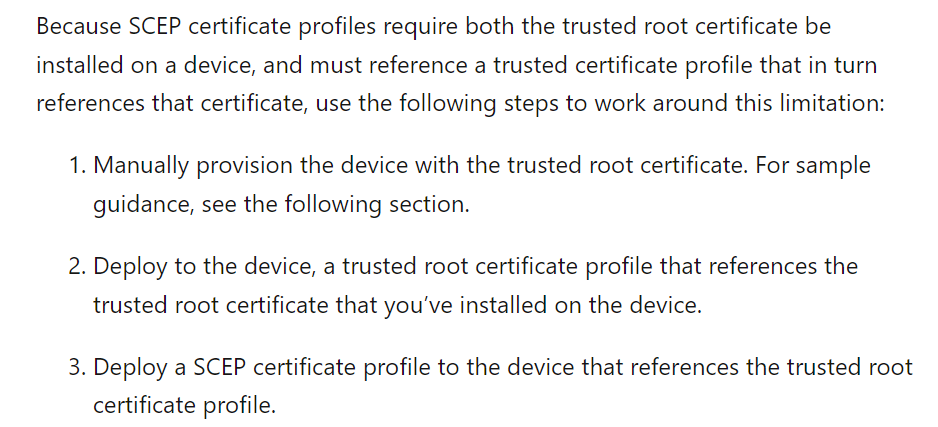
- Intune SCEP Profile Configuration and requirement
>Configure https based SCEP url, default url is http, but https is also supported.
>In the Root Certificate map Root certificate not Intermediate(which is the other difference between other type of SCEP profiles).
Rest of the Profile (Trusted Certificates and Wifi profiles) are similar to other devices based on document.
