Hello Everyone,
Issue: Customer tries to upload config backup taken from IPv4 Cluster and uploads it on a new Cluster(IPv4 and IPv6), and it fails with below error.
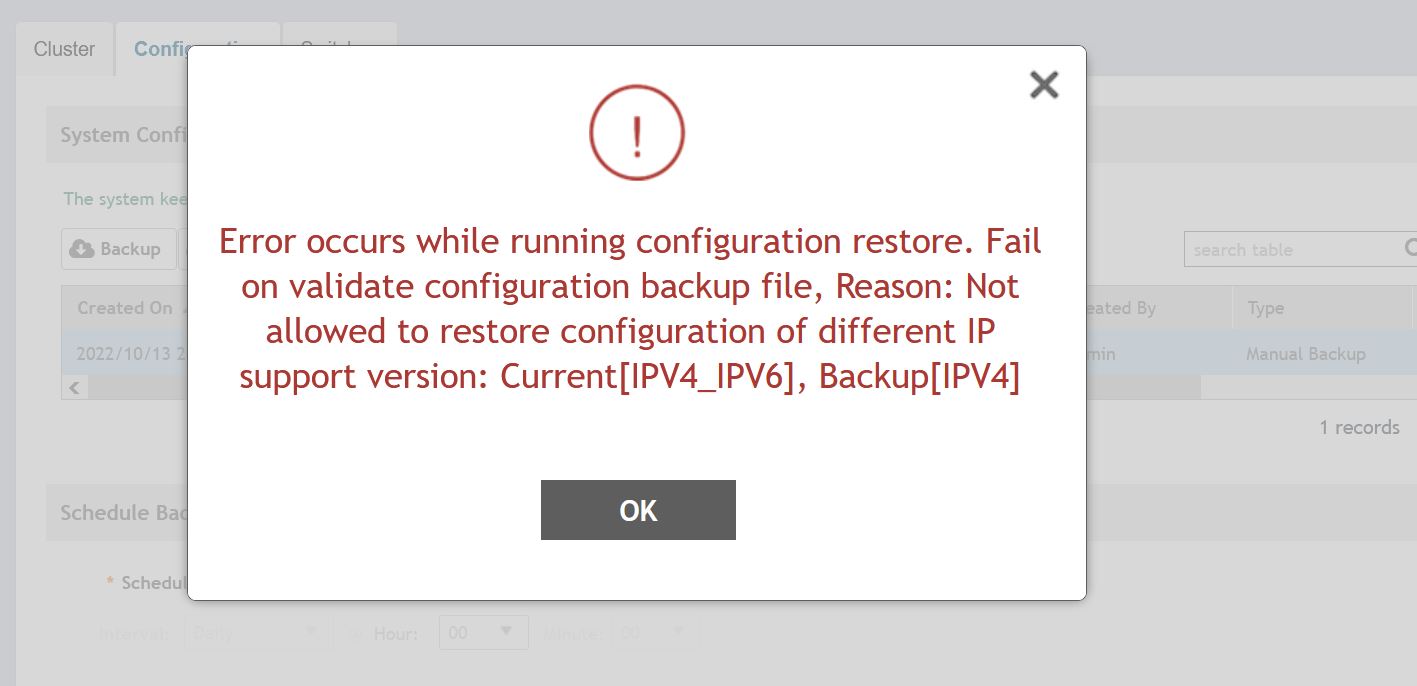
NOTE: Configuration backup taken from IPv4 Cluster cannot be uploaded on Dual mode Cluster.
Resolution: Many Customers request to move the vSZ/SZ cluster from IPv4 to (IPv4 and IPv6)Dual Mode without losing configuration, in this article I will explain how to to move vSZ/SZ from IPv4 towards IPv4 and IPv6 (Dual Mode) without losing existing configuration.
Below devices used for verification of the behavior.
- SZ-100 (5.2.2.0.1161)
- vSZ High Scale(6.1.0.0.935)
Configuration
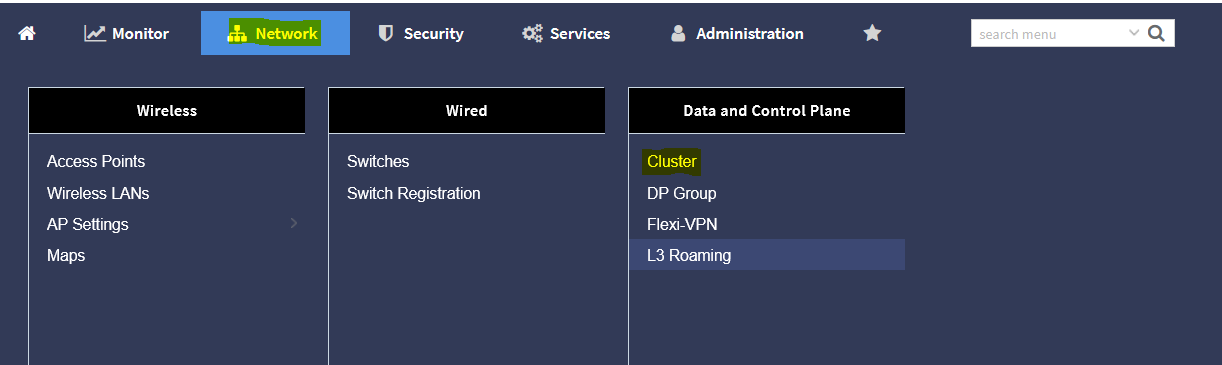
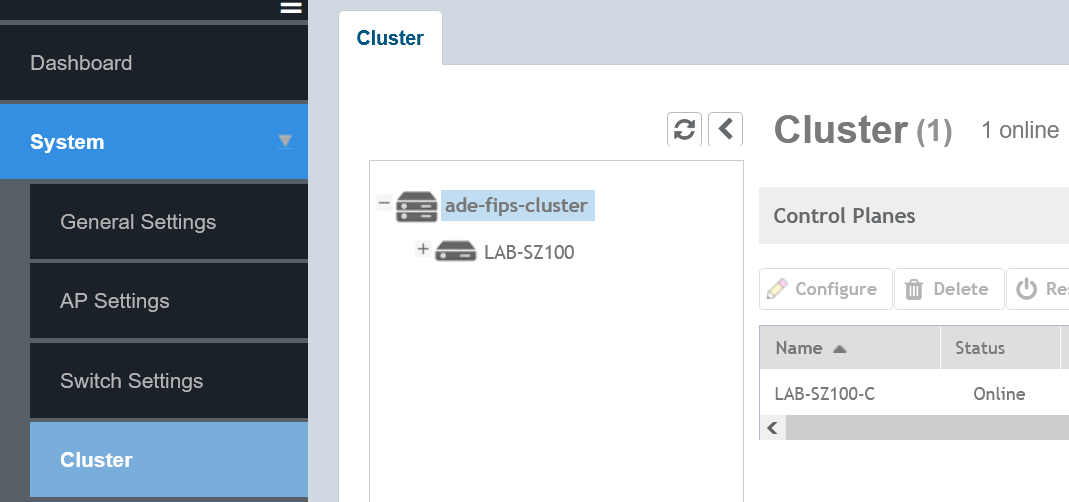
From the vSZ GUI, go to the Cluster setting as below
>>>>>Network>>> Data and Control Place>>>Cluster(New Menu)
>>>>>System>>>Cluster(Legacy Menu)
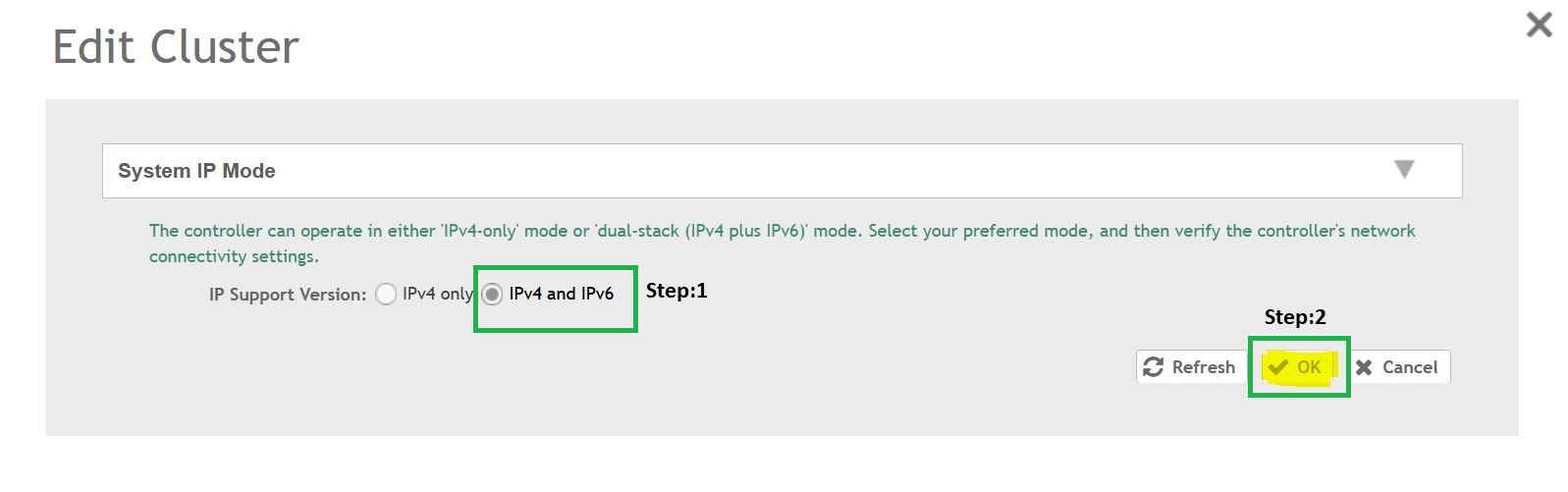
>>>>>From the Cluster page select Steps in the order mentioned below.
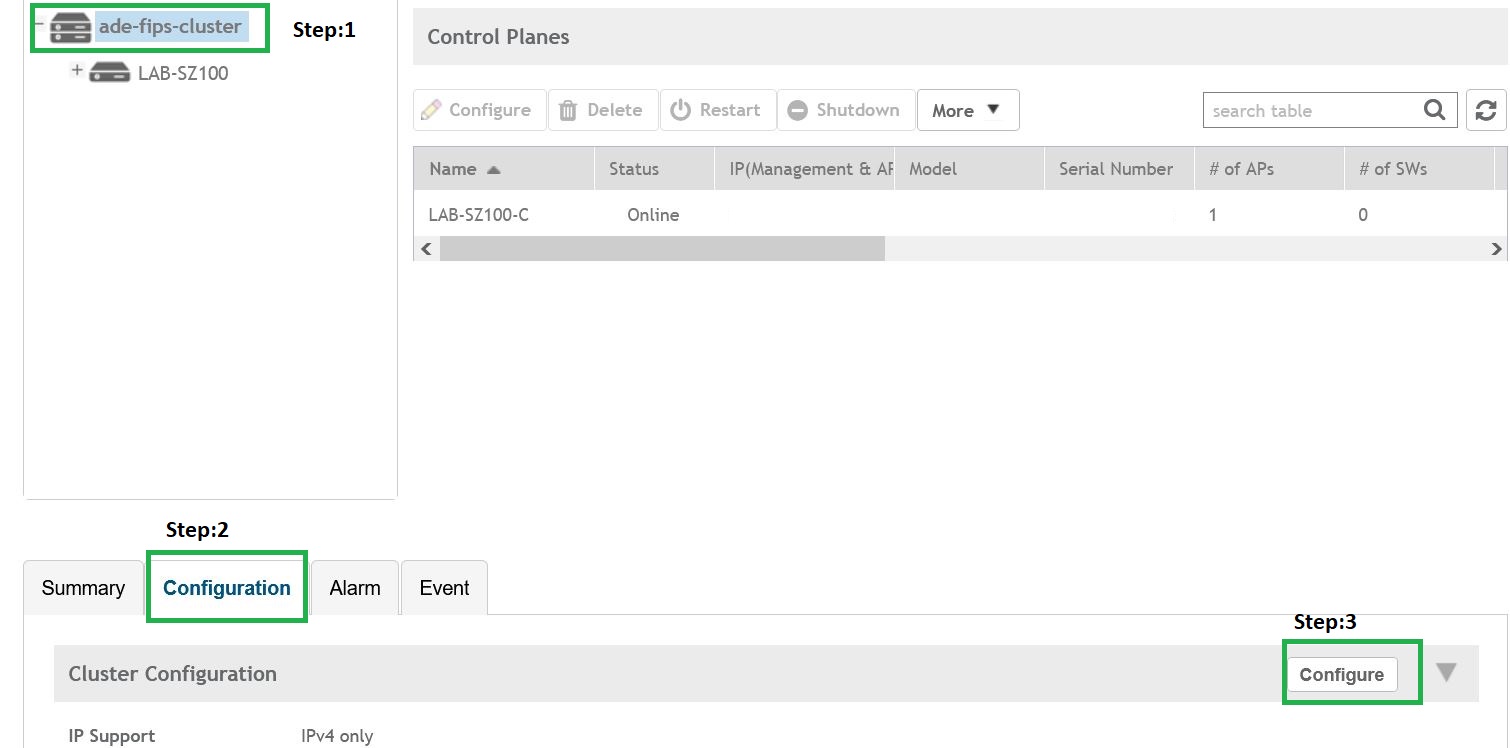
>>>>>In the config option on select IPv4 and IPv6 and click OK.
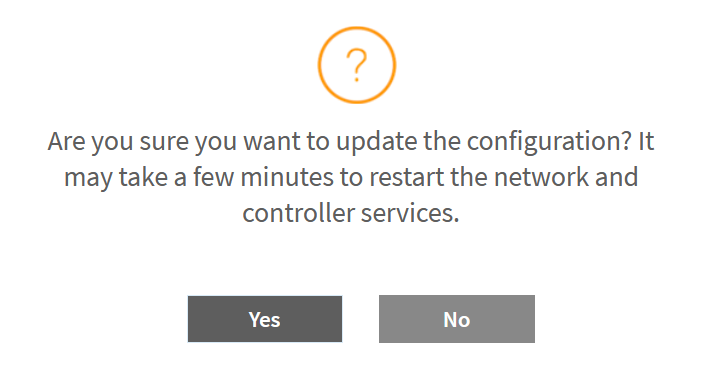
>>>>>Click Yes to Process, (the controller services will restart after this).
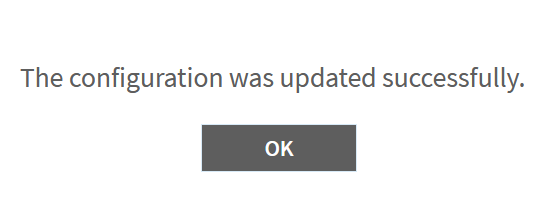
>>>>>Click OK
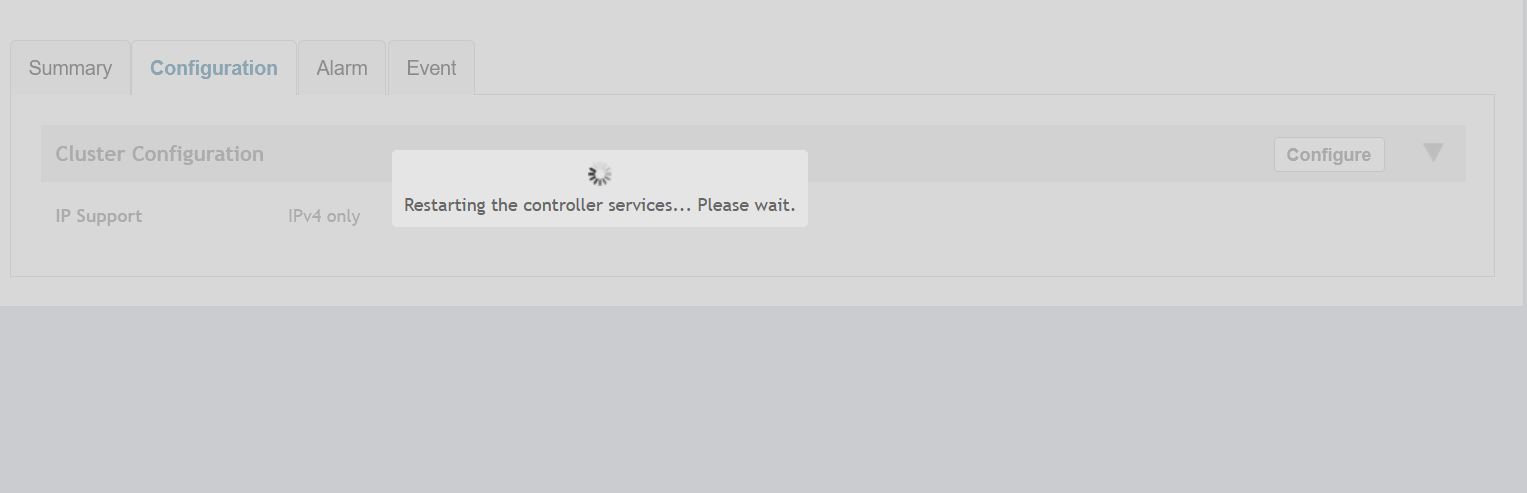
Once all the services are up, the controller will come up in Dual mode with IPv4 and IPv6.
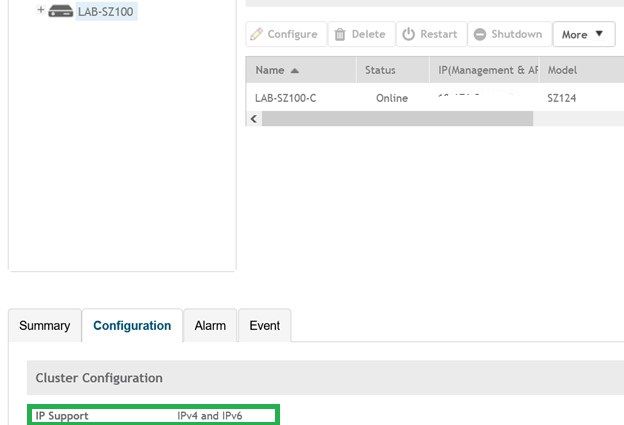
Note: On changing the Cluster mode to Dual IPv4 and IPv6, it cannot be reverted back to IPv4 only(Factory Reset is the only option).
