Hello Ruckus Support,
I recently moved into a previously owned Lennar home equipped with Ruckus Unleashed APs. I was able to successfully configure a Master AP in Gateway mode and it is functioning correctly with client connectivity and Internet access.
However, I am unable to add Member APs to the Unleashed network. Despite factory resetting the Member APs and following standard onboarding procedures, they do not join the Master, and instead broadcast the Configure.Me-xxxxx SSID.
Steps I’ve Taken:
Factory reset Member APs using the hardware reset button (10+ seconds).
Disconnected the Master AP and connected only one Member AP to the PoE switch to rule out interference.
Reconnected Master AP and attempted to bring Member AP online.
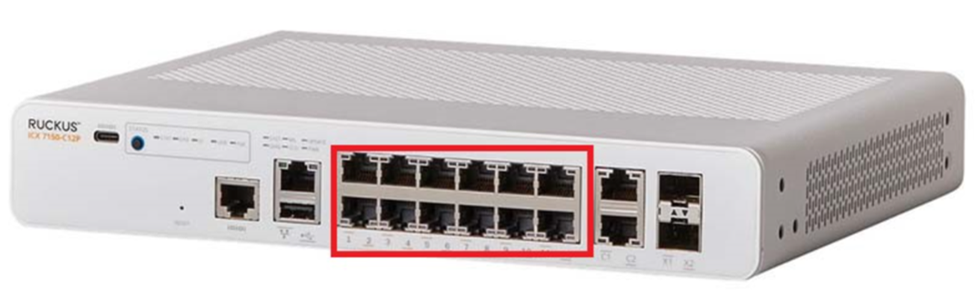
Confirmed all APs are on the same Layer 2 subnet and connected through the same ICX switch.
Verified the firmware version on the Master is 200.x.
Attempted to SSH into the Member AP to set the director IP (set director ip <master-ip>), but credentials super/sp-admin admin/sp-admin did not work.
No “Join Existing Network” option appears in the setup wizard on the Member AP’s web UI.
Observed similar behavior to this issue posted here however it didn't have resolution.
Request:
Please assist in:
Verifying how I can SSH into the Member AP (or reset the credentials if needed).
Determining if there’s a known issue causing the Member AP to not auto-discover or join the Master in Gateway mode.
Clarifying if specific DHCP or VLAN configurations are needed when in Gateway mode.
Advising if Discovery Agent needs to be enabled manually and how to proceed without CLI access.
- Are there any settings need to be changes on AT&T modem to avoid any sluggish internet access