Hello,
We had a power shortage and ICX7150 stops working.
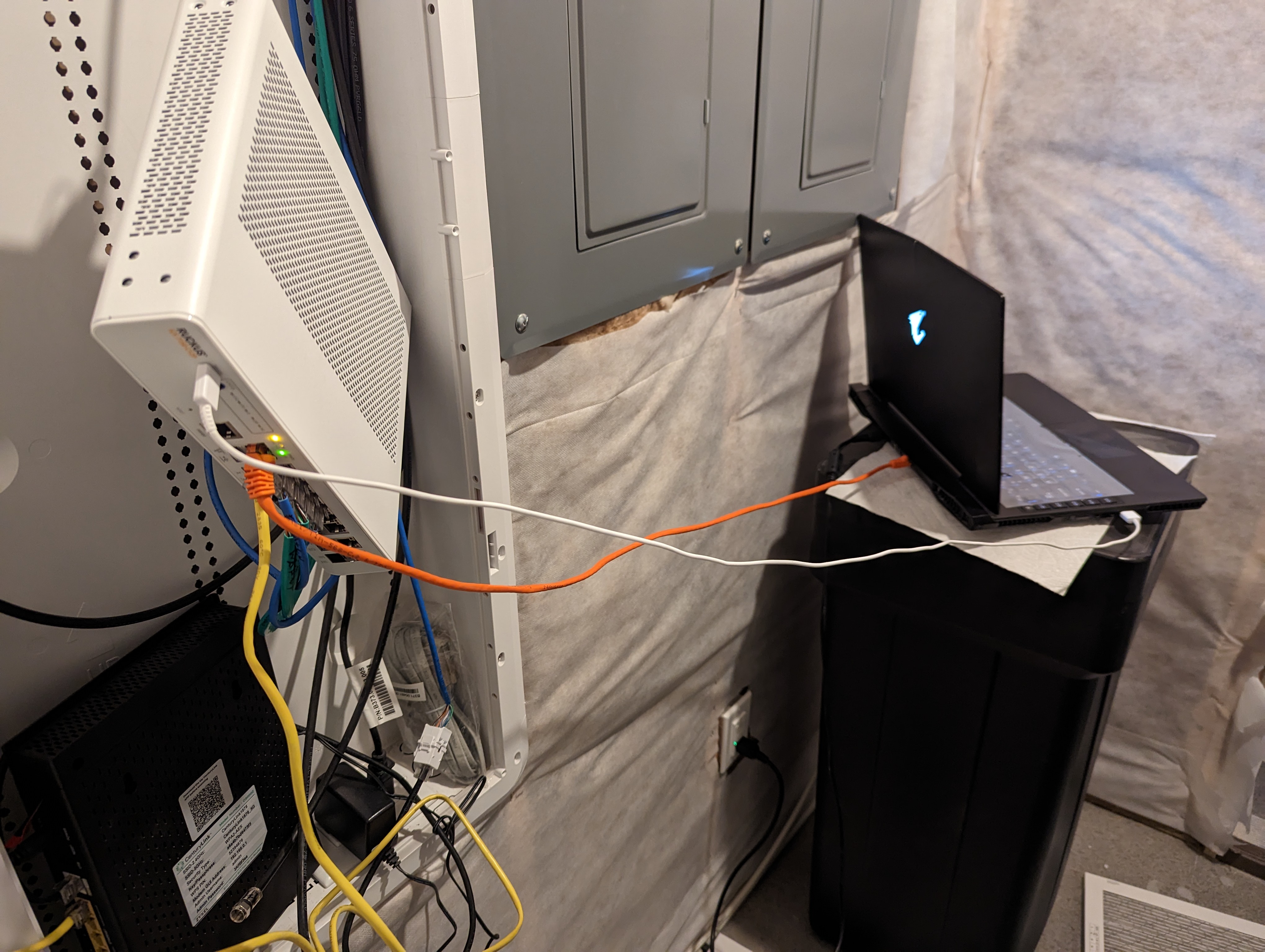
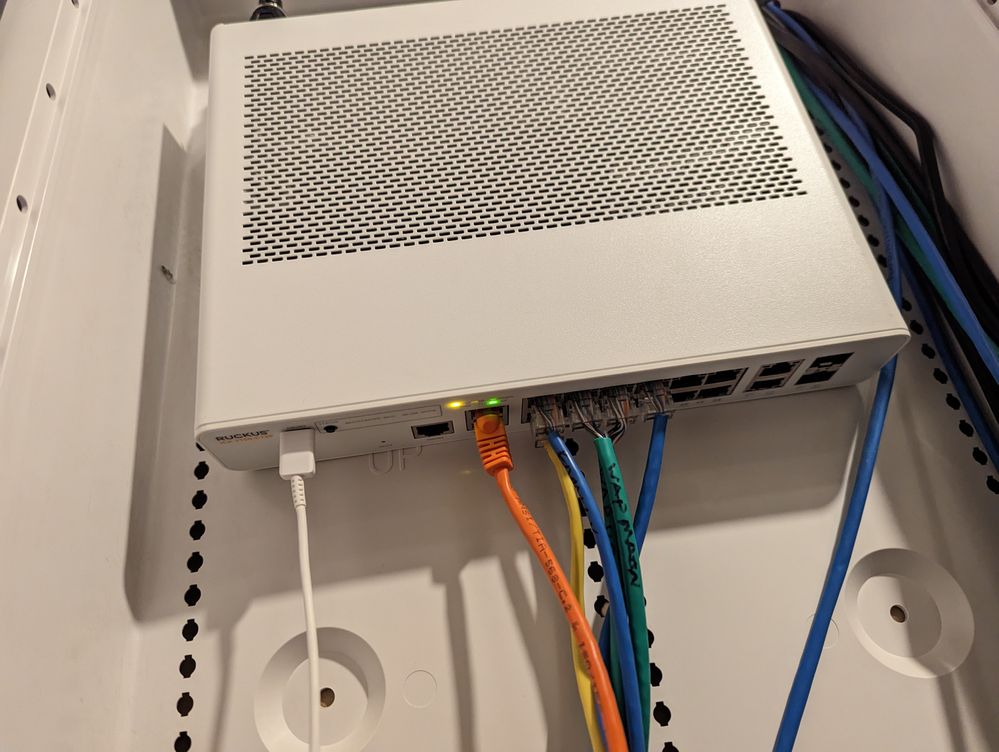
I connected my laptop to the Ruckus ICX 7150-C12P Switch via putty but the switch remains in "boot" mode. I tried booting from the primary and secondary partitions but for both it says corrupted.
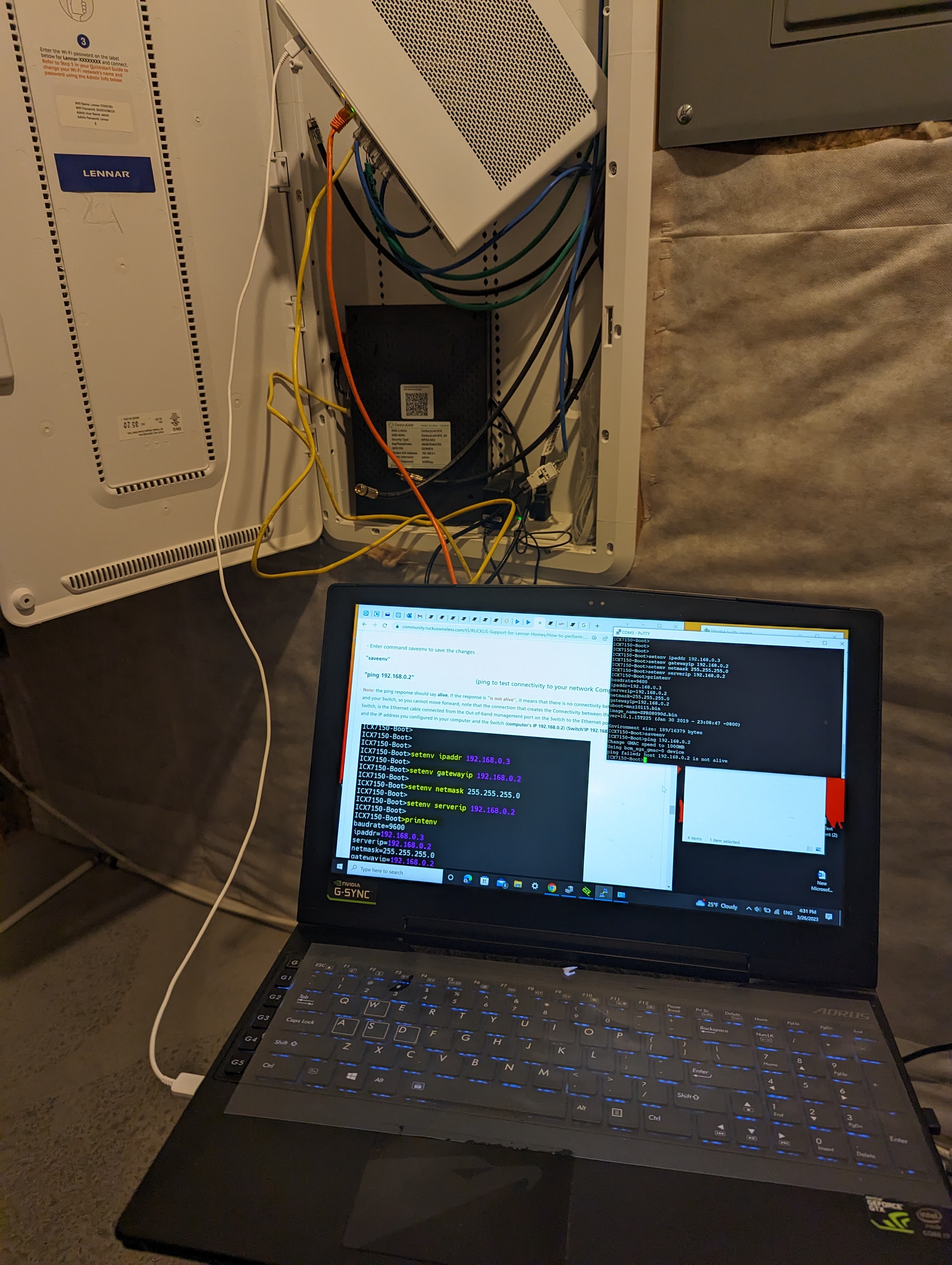
So I followed instructions in this link to try and install a new image, however now I am stuck at "host 192.168.0.2 is not alive" I set all the required environment variables (as can be seen from the snip below). Please help!
Based on the other's post, I found out I have the same issue with others so I need to file RMA. When I file the RMA, they said I cannot do it because I am Lennar's customer and I need your guy's help here to file the RMA. If you could help me, I will be appreciated it.
printenv
baudrate=9600
ipaddr=192.168.0.3
serverip=192.168.0.2
netmask=255.255.255.0
gatewayip=192.168.0.2
uboot=mnz10115.bin
image_name=SPR08090d.bin
ver=10.1.15T225 (Jan 30 2019 - 23:08:47 -0800)

Environment size: 189/16379 bytes
ICX7150-Boot>saveenv
ICX7150-Boot>ping 192.168.0.2
Change GMAC speed to 1000MB
Using bcm_xgs_gmac-0 device
ping failed; host 192.168.0.2 is not alive
ICX7150-Boot>