Hello, I have a ruckus switch with 2 APs that no longer receive power. The power light is green on the switch and the syst light is amber. Please advise on getting a RMA authorized for a new switch.
Hi @Tkanth
Greetings of the day,
Based on your description it seems that your switch has one green and one amber light, it means that the switch is stuck in boot mode.
1-Please try to disconnect from the Power outlet the ICX- 7150 and reconnect it.
2-Please try to press the reset button using a paper click or a small stick
https://docs.commscope.com/bundle/icx7150-installguide/page/GUID-D3B5DB74-53A7-4F8D-82F9-6EB600879EE...
Video link:https://www.youtube.com/watch?v=6jHMTdo_hK4
Please let us know if you have any queries in this regard.
Best regards,
Jayavidhya
Lennar Home Community
These steps have not fixed the problem. All lights did come on as stated in the steps above, but after they stop flashing amber, the lights go back to green power and amber syst light.
Thanks for your response.
If the resetting process doesn't work, we need to perform a software recovery.
Here is the quick guide to perform software recovery.
How to perform a Software recovery on an ICX7150 switch
https://community.ruckuswireless.com/t5/RUCKUS-Support-for-Lennar-Homes/How-to-perform-a-Software-recovery-on-an-ICX7150-switch/m-p/47483
Ruckus ICX Recovery Load boot code from boot monitor
https://www.youtube.com/watch?v=RHriOYYD_iI&t=7s
Note: after fixing the issue of the Switch been stuck in boot mode, please perform an upgrade to the code 08095g UFI and upgrade both partitions with the switching code file named SPS08095gufi.bin, so perform the software recovery using the code 08090k with the upgrade image file named SPS08090k.bin, then when the switch is back to normal upgrade to the file SPS08095gufi.bin for both partitions primary and secondary.
1.Upgrade a Switch ICX-7150-C12P using a USB flash drive
https://community.ruckuswireless.com/t5/RUCKUS-Support-for-Lennar-Homes/How-to-Upgrade-a-Switch-ICX-7150-C12P-using-a-USB-flash-drive/td-p/46781
2. Upgrade a Switch ICX7150-C12P via TFTP
https://community.ruckuswireless.com/t5/RUCKUS-Support-for-Lennar-Homes/How-to-Upgrade-a-Switch-ICX-7150-C12P-via-TFTP/m-p/47187
3. Upgrade a switch via Web GUI (ICX7150 Switch)
https://community.ruckuswireless.com/t5/RUCKUS-Support-for-Lennar-Homes/How-to-perform-an-Upgrade-via-Web-GUI-ICX7150-Switch/td-p/48200
Hello, I have tried this solution as well with no fix. Please advise on next steps.
Under the link on How to perform a Software recovery on an ICX7150 switch, I am unable to get past the step in which I locate the COM number. I am unable to post any pictures from my phone for some reason. The only COM ports shown on my computer are port 3. When I load COM 3 as stated in the instructions, I get an error in Putty. That error states that the system is not able to find the file specified. Under other devices in the device manager, I see a device called CP2104 USB to UART Bridge Controller. That device seems to be the switch. Please advise.
For further troubleshooting please share the screenshot of the image you are getting while opening the putty app.
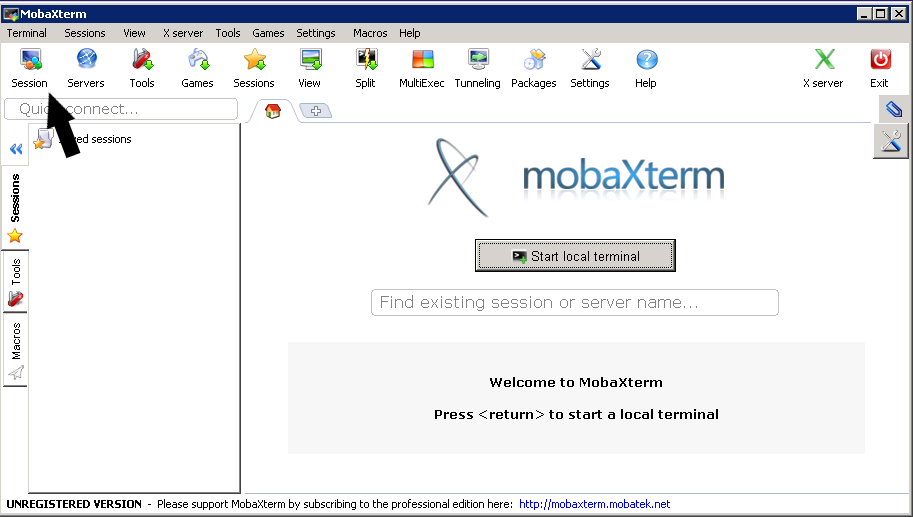
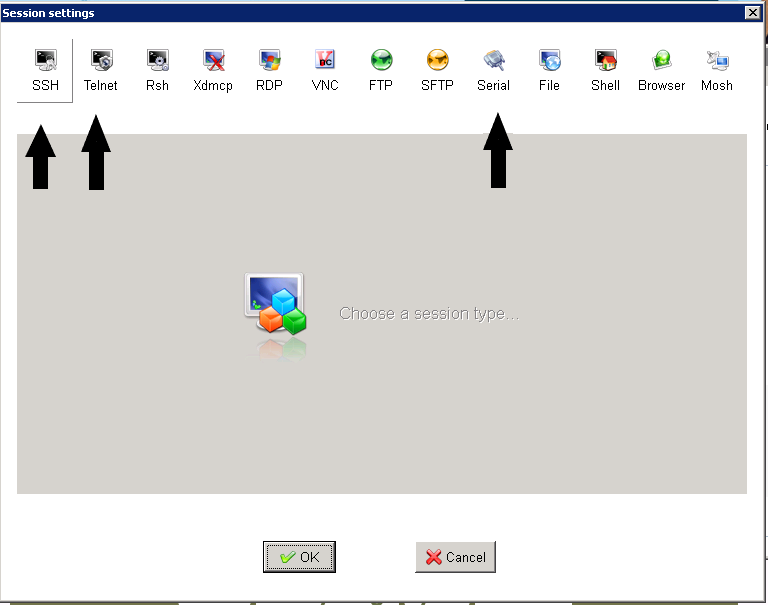
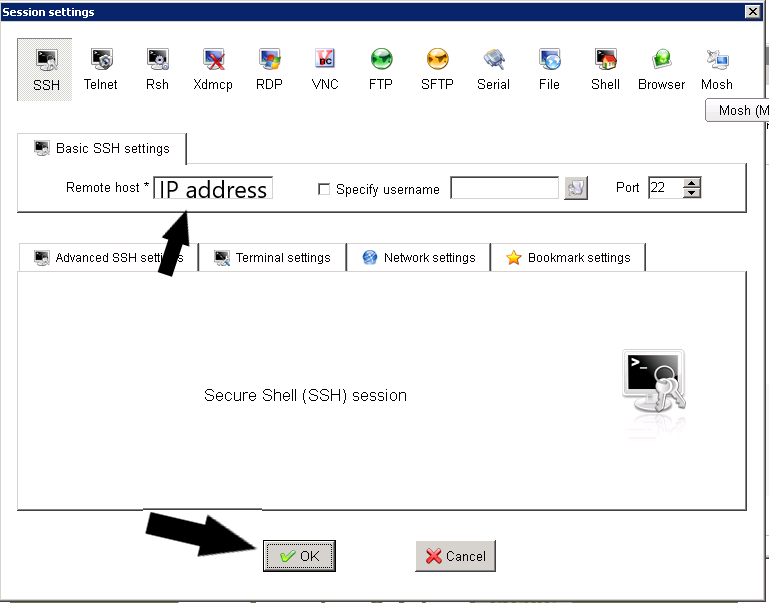
Also if you find difficulties in the putty please download the MobaXterm app ( Mobaxterm is a putty-like tool with a slightly different interface) and follow the software recovery steps.