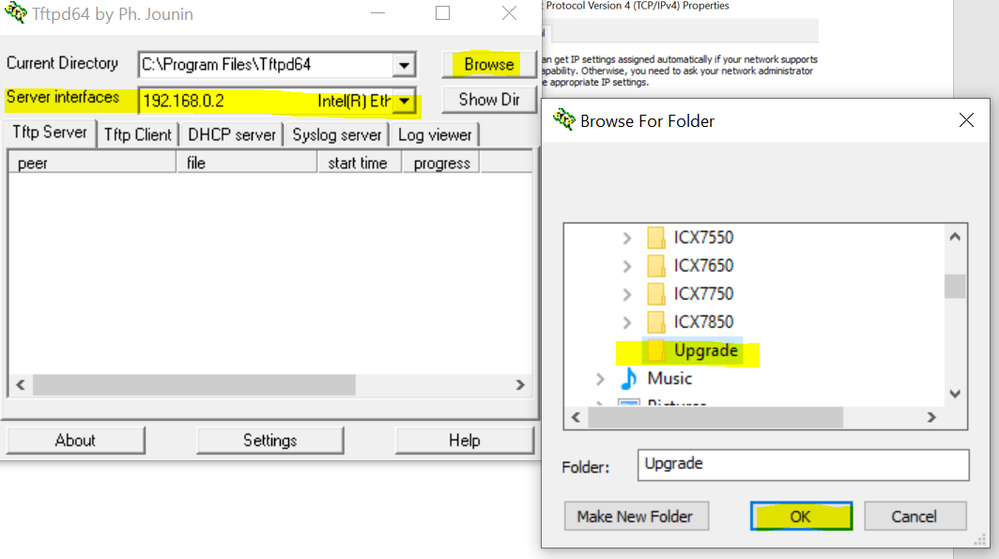
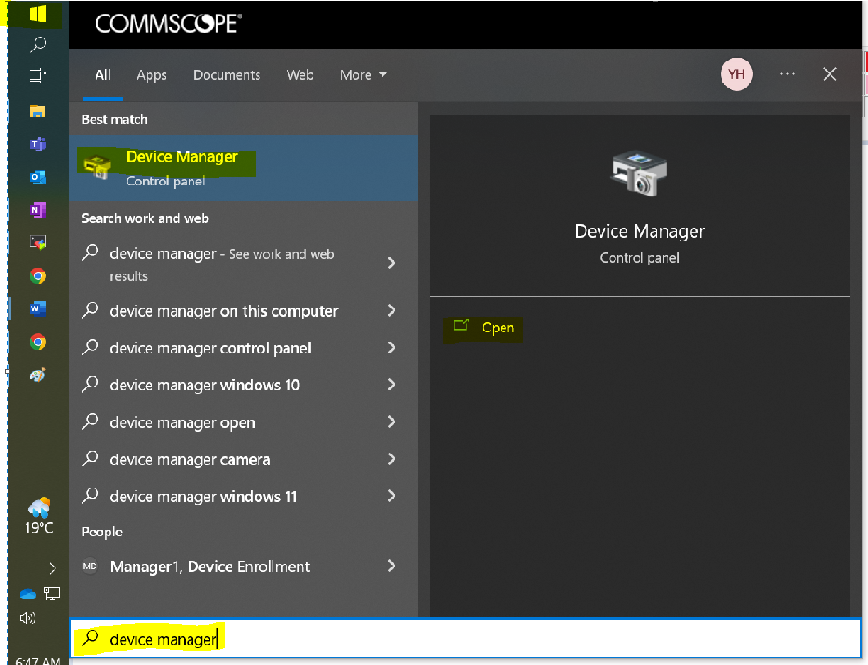
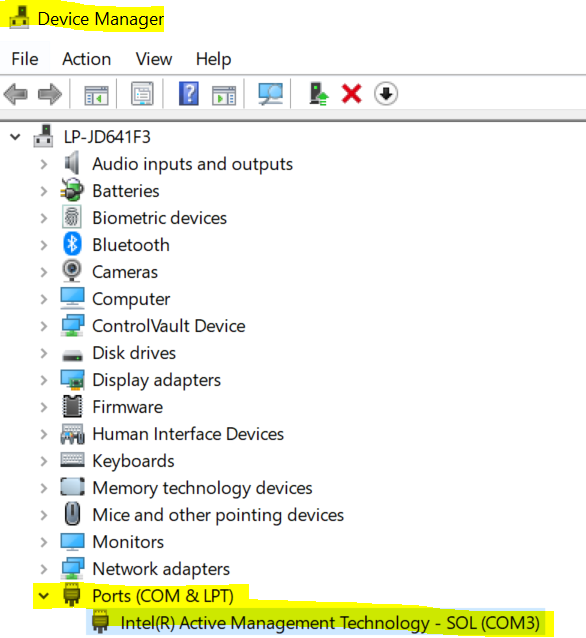
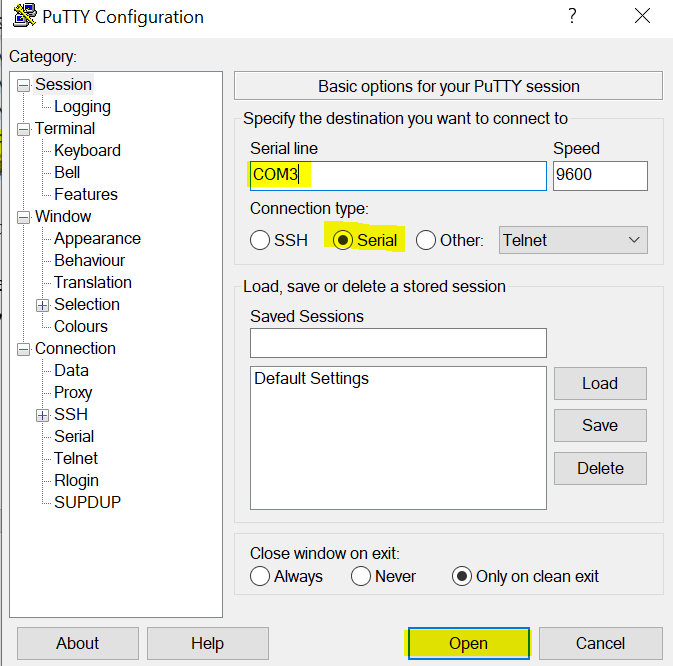
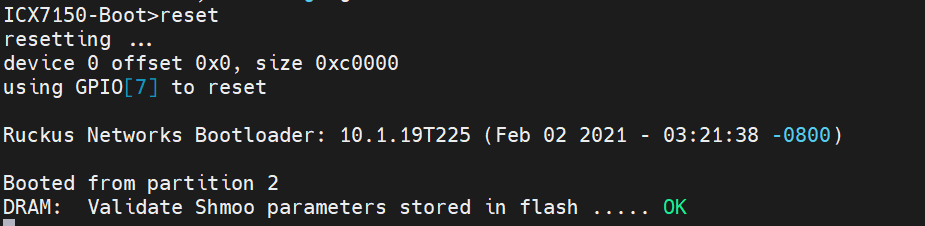
After a power outage, my switch stopped working. We have a connection from our ISP router, but both access points have all lights off. The switch has two lights on: SYST/amber, and PWR/green.
I've restarted the switch and also tried the reset button while replugging it in, but that left the lights blinking endlessly.
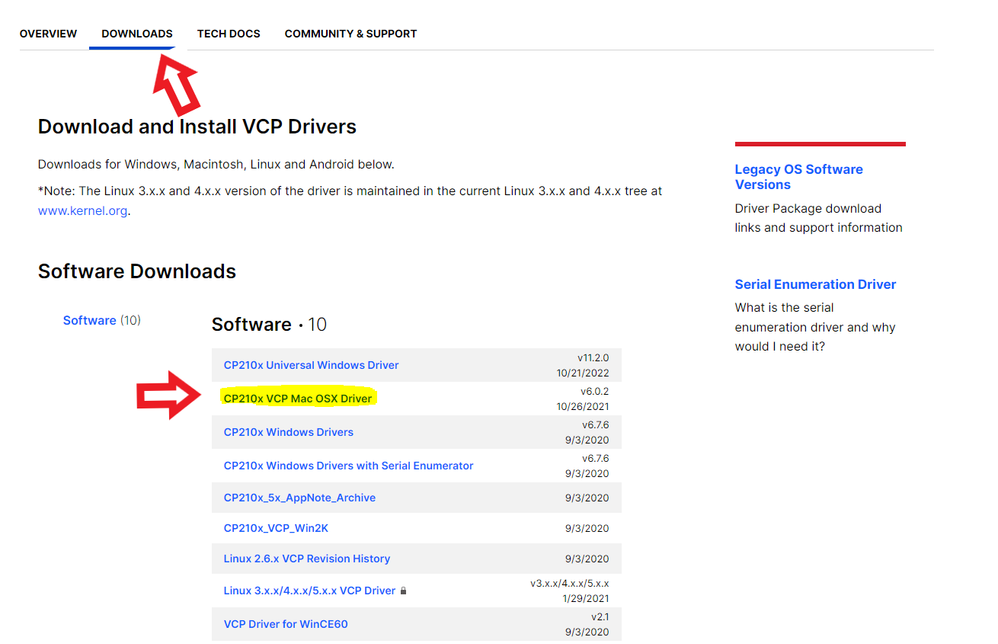
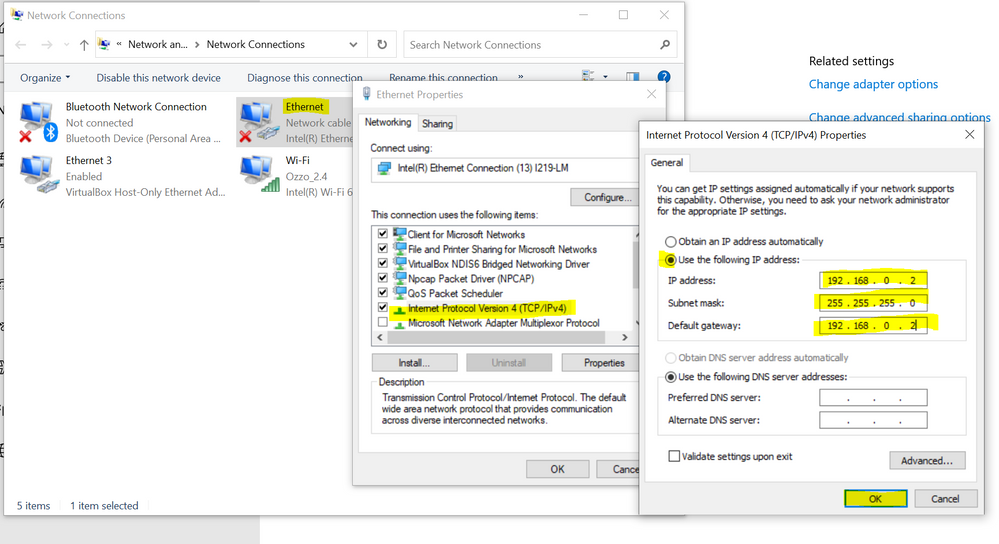
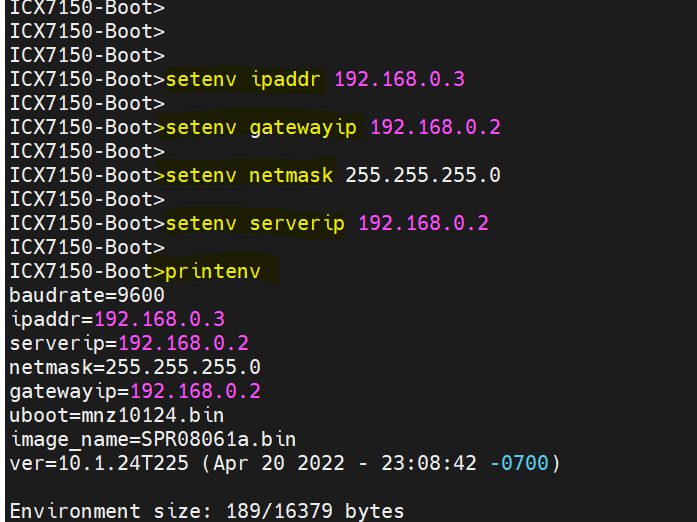
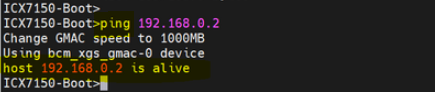
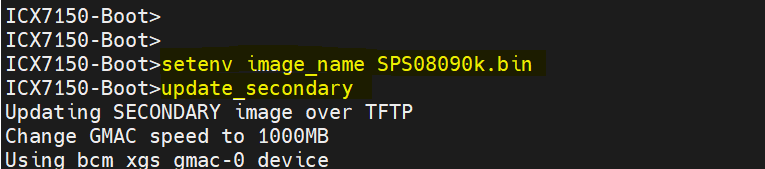
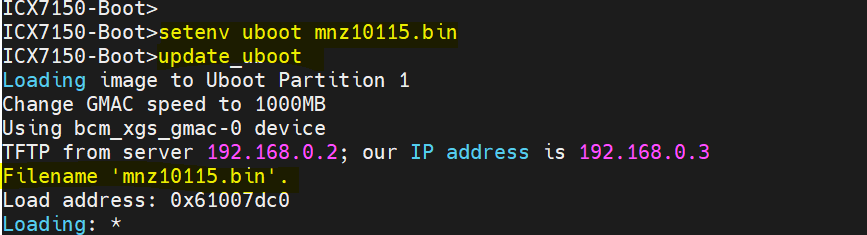
After installing the two drivers listed in this article, I've connected my Macbook Pro with a type-C cable to the switch, and opened Terminal. I followed the steps listed in the post, as well as the different instructions in the video the same article linked to, but neither approach worked. No device appears to be detected - using the prompts doesn't display any additional connection.
Strangely, while attempting to console at one point earlier in the day, I noticed the WAPs were on, but the connection was weak. After leaving that to do its thing for a few hours, I decided to restart the device to give it a good bootup. Unfortunately, that brought me back to square one: orange SYST light, green PWR, no connection, access points all down.
I've had power outages before in this house and the reset has always worked. Please advise, thank you.