There will be situations when the resource group or role associated with user needs to be modified.
Navigate to Admin >> Users
Use the pencil icon to edit the resource group

Figure 1: Use the edit icon against the user account to modify the resource group or role
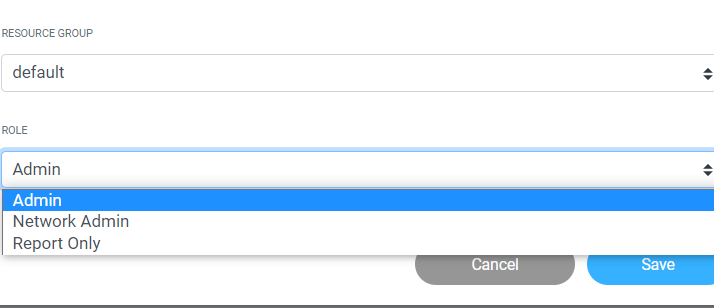
Figure 2: Select the required values using the dropped down option
Notes:
- You must be part of the admin resource group
- You cannot edit the resource group of yourself
- You can only edit the resource group of internal users
- You cannot edit the resource group of any 3rd party invited user once added, the only scope is to delete and re-invite with the preferred resource group and role
