Hi @Jourelem ,
Greetings!
Thank you for contacting RUCKUS Lennar Home Community.
I hope you are doing well!!!
Thank you for the information you shared.
From the case description, I understand that the Switch is not turning on and none of the Access points are not turning on.
Also, you have tried resetting the Switch multiple times.
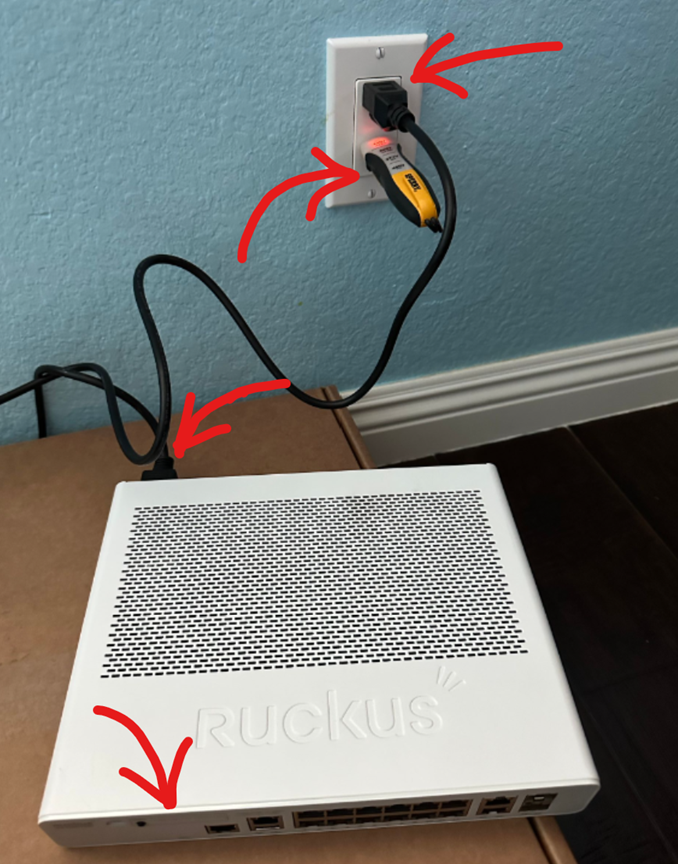
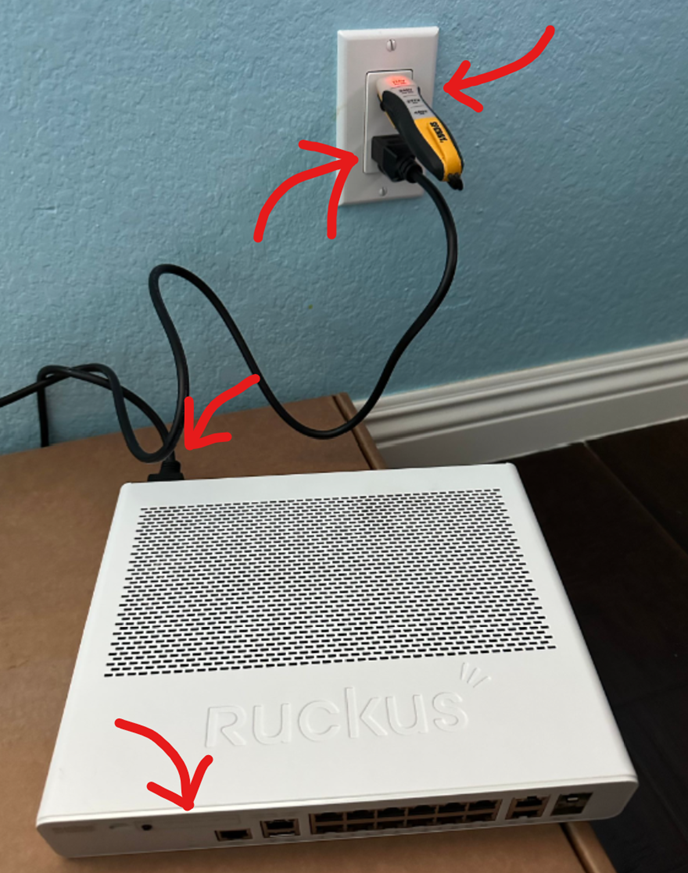
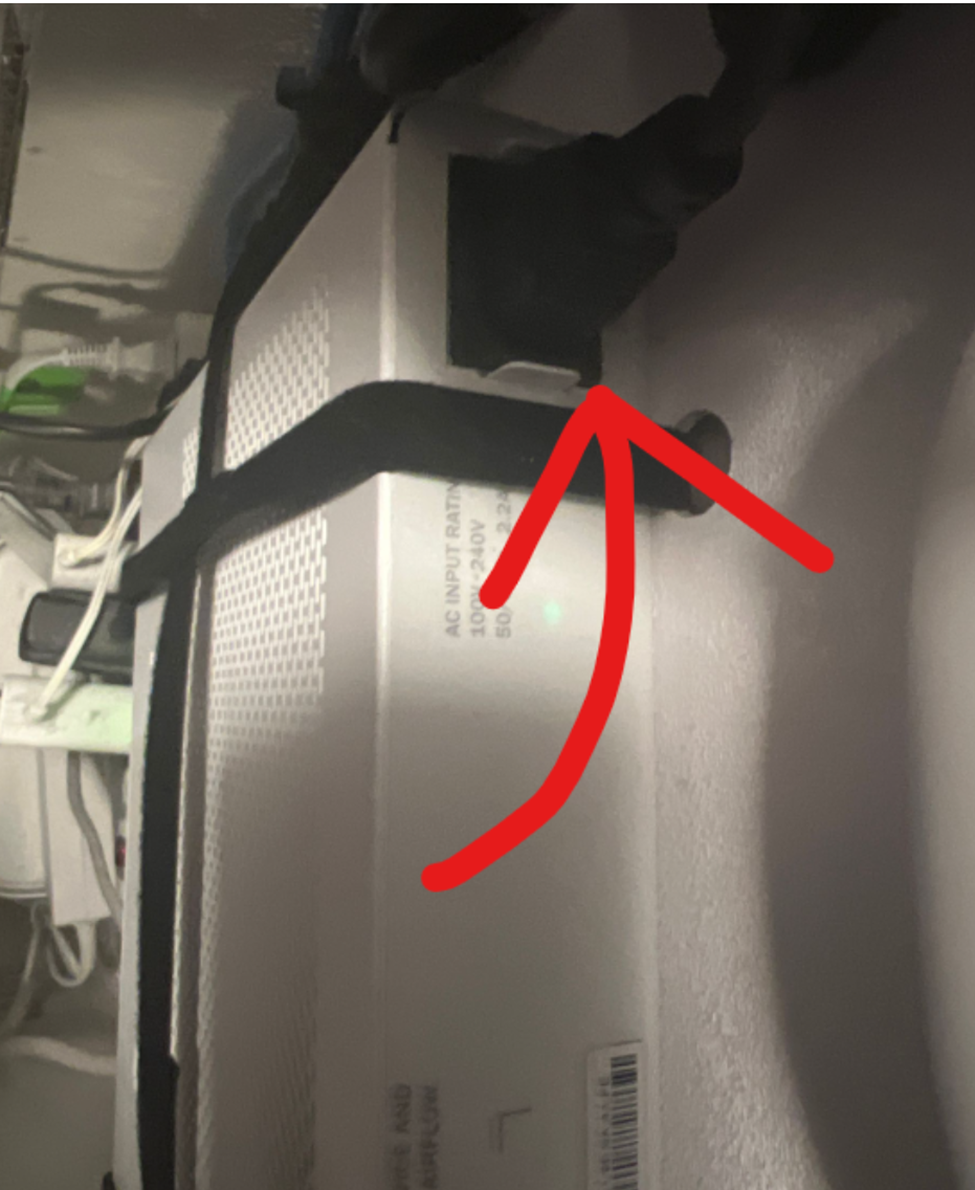
Could you please plug your ICX-7150-C12P Switch into a working power outlet and send us PICTURES and VIDEO of it showing the light status, and a cord connected to the Switch and a working power outlet?
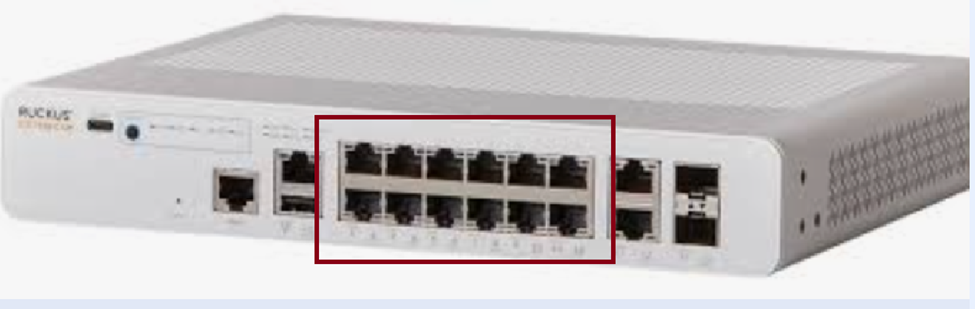
Also, please try connecting the Ethernet cable to any one of the 12 ports on the Switch as in the given picture:
Please refer to the below pictures as an example.
Please use the below link to upload a VIDEO:
https://drive.google.com/drive/folders/16lG-j0MSKzjqBJSY4rsgh4myUlseA9bz?usp=sharing
Please let me know if you have any queries in this regard.
Thank you again for your patience and understanding.
Best regards,
Pinky Rajendran
RUCKUS Lennar Home Community.
Hello @Jourelem ,
This is a follow-up in reference to the case you have opened in the Ruckus Lennar Support Community.
I would like to know if you require further assistance since our last correspondence. Should you have any questions or if the status of your case has changed, please let me know by responding to this post.
Please feel free to contact if you have any further concerns regarding the same.
I trust this message finds you well.
I kindly request an update on the status of the issue so that we may proceed further with resolving it.
If we do not receive a response from you within 24 hours from the timestamp of this message, your case will proceed to closure.
Thank you.
Best regards,Pinky Rajendran
RUCKUS Lennar Home Community
Thank you for your response.
To upload the photos, please log in to your Ruckus account and add them to the post.
You may either open a new case using the new Ruckus account or reply directly to this post.
Additionally, please share the current status of the switch LED indicators, as this information is required to proceed further.
Thank you for your patience and understanding.
Regards,
Hello @Jourelemode ,
Please use the private chat option to respond so we can proceed further. For your reference, I have included a screenshot below.
Thank you once again for your patience and understanding.
Thank you for the response.
We have created a replacement for the defective device and shared the details in the Private chat.
Please check your private chat for more details.