Router has power but it’s not working. We tried to switch off and Back ON but it’s still not working.
Hi @pinder7aulakh Greetings!!!
Thank you for contacting the RUCKUS Community forums.
Could you please let me know if this is a Lennar Home RUCKUS setup?
Please confirm.
Thank you again.
Best regards,Imran SanadiRUCKUS | Lennar Home Community Support
Hi @pinder7aulakh
Greetings!!!
Thank you for reaching out to the RUCKUS Lennar Home Community.
We appreciate your patience and understanding as we work to resolve the issues you are experiencing with your RUCKUS setup.
Based on the information provided, it appears that you are having issues with the RUCKUS Setup.
We apologize for any inconvenience this has caused and are committed to assisting you promptly.
To better assist you, could you please provide the following information:
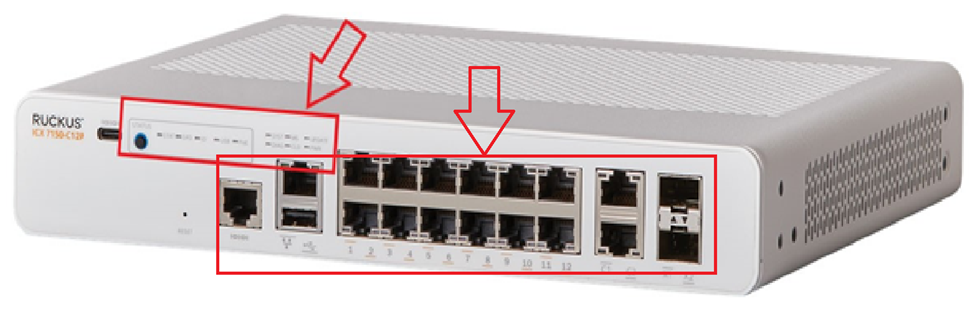
1. Can you confirm if your RUCKUS setup was previously operational, and if there were any power outages before the issue began?2. When your switch is connected to the outlet, do you observe any illuminated lights (amber or green)? Kindly describe which lights are visible. Additionally, please provide a photo showing the status of the lights and the full switch panel with cable connections to the switch ports.
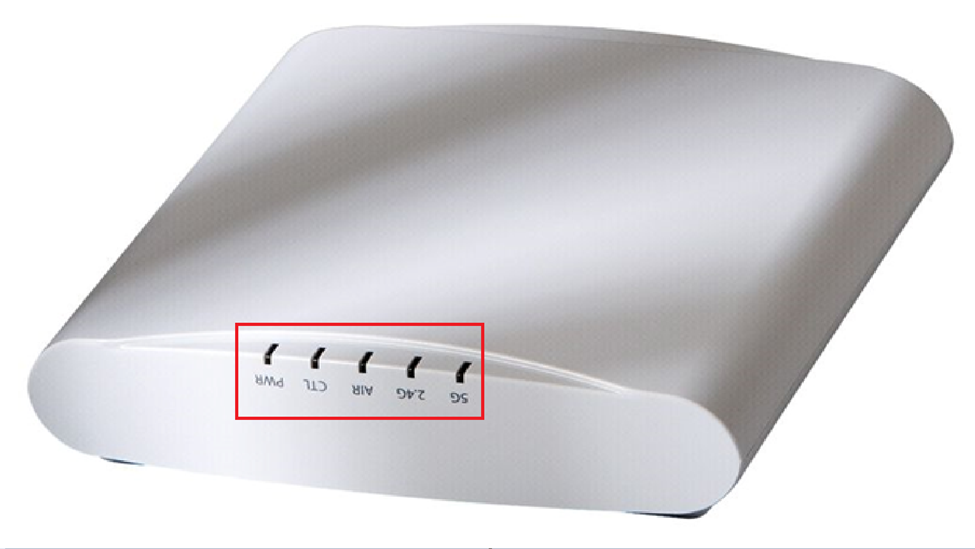
3. Is your internet connection from the ISP stable and functioning? You can verify this by connecting to your local router's Wi-Fi or through an ethernet cable from the router to a laptop/PC.4. How many access points are currently connected to the switch? Please describe the status of the lights on the access points. Similarly, include a photo showing the access points' light status.
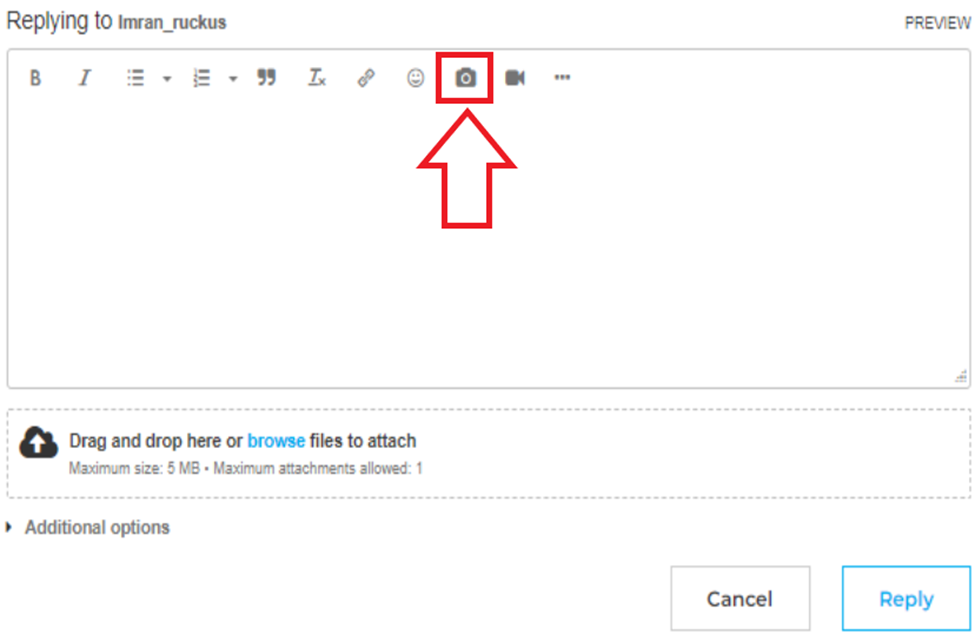
Please log into your RUCKUS Account before uploading these photos/screenshots.
Please help me with ALL the above queries, and should you have any further questions or concerns, feel free to reach out.
We appreciate your cooperation and look forward to resolving this matter for you promptly.
I trust this message finds you well.
I kindly request an update on the status of the issue so that we may proceed further with resolving it. Please help me with the requested queries from my last post.
Thank you.
I kindly request an update on the status of the issue so that we may proceed further with resolving it.
Hello,
Please update on this status. My router is still not working. Please fixed this solution.
Thank You
Thank you for the response.
Please share the requested information from one of my previous posts.
If we do not receive a response from you within 24 hours from the timestamp of this message, your case will proceed to closure.
Hello
I have attached pictures.
let me know next step?
Greetings!
Apologies for the inconvenience. As this case is now closed, we kindly request you to raise a new case for any further assistance on RUCKUS Lennar Support
Thank you once again for your understanding.
how can i create again?
i dont know how to do it now?
Hi @pinder7aulakh Thank you for the response.
You could raise a new post with the detailed description on RUCKUS Lennar Support
Thank you again for your understanding.
how can i see my first post?
Thank you for your response.
The replies you’re seeing are in reference to your original post.For your convenience, here is the link to that post:https://community.ruckuswireless.com/t5/RUCKUS-Support-for-Lennar-Homes/Technically-Issue-Router-is-not-working/m-p/106702#M7482
You could raise a new post with the detailed description click RUCKUS Lennar Support
i have created again. please check it out.
Thank you for the update. You will receive the required assistance shortly.
We truly appreciate your patience and cooperation.