I am experiencing intermittent connection issues and sometimes my PoE devices will not power up forcing me to power cycle the switch frequently.
Please assist.
Hi @mjstich
Greetings!!!
Thank you for reaching out to the RUCKUS Lennar Home Community.
We appreciate your patience and understanding as we work to resolve the issues you are experiencing with your RUCKUS setup.
Based on the information provided, it appears that you are encountering intermittent internet connectivity and PoE issues.
We apologize for any inconvenience this has caused and are committed to assisting you promptly.
To better assist you, could you please provide the following information:
1. Can you confirm if your RUCKUS setup was previously operational, and if there were any power outages before the issue began?2. When your switch is connected to the outlet, do you observe any illuminated lights (amber or green)? Kindly describe which lights are visible. Additionally, please provide a photo showing the status of the lights and the full switch panel with cable connections to the switch ports.
3. Is your internet connection from the ISP stable and functioning? You can verify this by connecting to your local router's Wi-Fi or through an ethernet cable from the router to a laptop/PC.4. How many access points are currently connected to the switch? Please describe the status of the lights on the access points. Similarly, include a photo showing the access points' light status.
Please log into your RUCKUS Account before uploading these photos/screenshots.
Please help me with ALL the requested queries, and should you have any further questions or concerns, feel free to reach out.
We appreciate your cooperation and look forward to resolving this matter for you promptly.
Best regards,Imran SanadiRUCKUS | Lennar Home Community Support
Imran,
In response to your questions:
1. The Ruckus devices (PoE switch and 2 wireless access points) have been functioning flawlessly for several years. To my knowledge, I have not had a power outage.
2. I am observing illuminated lights. See attached photos.
3. My ISP is functioning. If I bypass the PoE switch and go directly to my ISP's Modem/Router, I have no connection issues whatsoever.
4. There are 2 access points connected to the switch. Both of them have a green illuminated lights for power, 2.4G, and 5G. When I reboot the switch, sometimes I am not observing a power light for the access points and I will have to reboot the switch again.
Greetings!!!Thank you for the response and the detailed information.
Please log in to your RUCKUS Account before uploading these photos/screenshots.
Should you have any further questions or concerns, feel free to reach out.
My mistake. I thought I was logged in. I have edited my response to include the requested pictures.
Thank you.
I am attempting to provide the information you requested. I followed the instructions you included. I have located the correct IP device assigned to the switch. I am using a Mac and when I try to ssh to the switch, the connection hangs on the command line. There's enough of a SSH daemon running such that the command is not immediately rejected but I cannot get to the point where it is prompting me for a password.
Thank you for the response and the update.
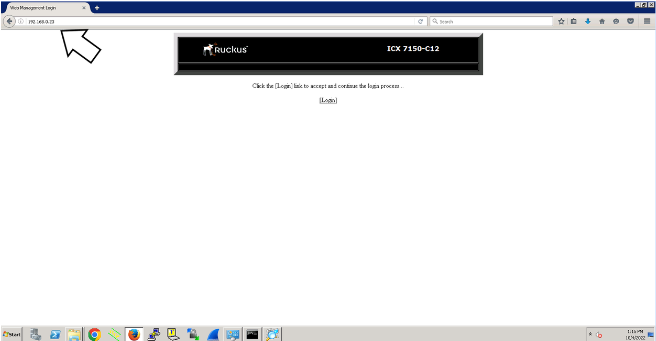
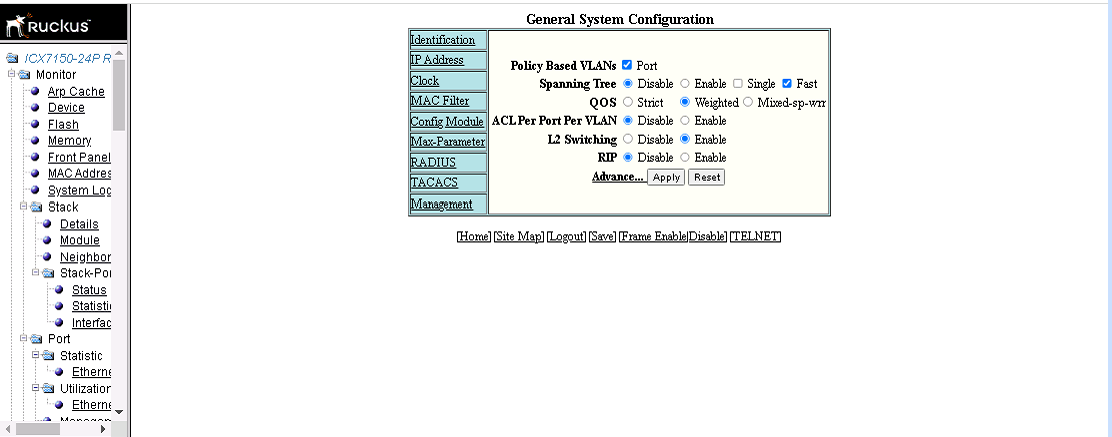
Could you please use the Switch IP address and access it in the Web browser and try to log in there?
You should see the Switch Dashboard as shown in the below screenshot to confirm it’s a Switch IP Address.
Please let me know if you can log in to the web dashboard.
Thank you again for your patience and understanding
Best regards,
Imran Sanadi
RUCKUS Lennar Home Community.
Output from enable:
telnet@ICX7150-C12-Switch>enableenableNo password has been assigned yet...
Output from show version:
telnet@ICX7150-C12-Switch#show versionshow versionCopyright (c) 2017 Ruckus Wireless, Inc. All rights reserved.UNIT 1: compiled on Nov 20 2018 at 00:09:55 labeled as SPS08080d(25968884 bytes) from Primary SPS08080d.binSW: Version 08.0.80dT211Compressed Boot-Monitor Image size = 786944, Version:10.1.14T225 (mnz10114)Compiled on Thu Nov 15 12:59:22 2018
HW: Stackable ICX7150-C12-POE==========================================================================UNIT 1: SL 1: ICX7150-C12-2X1G POE 12-port Management ModuleSerial #:FEK3852Q44NSoftware Package: BASE_SOFT_PACKAGECurrent License: 2X1GP-ASIC 0: type B160, rev 11 Chip BCM56160_B0==========================================================================UNIT 1: SL 2: ICX7150-2X1GC 2-port 2G Module==========================================================================UNIT 1: SL 3: ICX7150-2X10GF 2-port 20G Module==========================================================================1000 MHz ARM processor ARMv7 88 MHz bus8192 KB boot flash memory2048 MB code flash memory1024 MB DRAM--More--, next page: Space, next line: Return key, quit: Control-cSTACKID 1 system uptime is 13 minute(s) 1 second(s)The system started at 00:01:49 GMT+00 Sat Jan 01 2000
The system : started=cold start
Output from show flash:
telnet@ICX7150-C12-Switch#show flashshow flashStack unit 1:NAND Type: Micron NAND 2GiB (x 1)Compressed Pri Code size = 25968884, Version:08.0.80dT211 (SPS08080d.bin)Compressed Sec Code size = 29819448, Version:08.0.80dT213 (SPR08080d.bin)Compressed Boot-Monitor Image size = 786944, Version:10.1.14T225Code Flash Free Space = 1204998144
Output from show inline power:
telnet@ICX7150-C12-Switch#show inline powershow inline power
Power Capacity: Total is 124000 mWatts. Current Free is 124000 mWatts.
Power Allocations: Requests Honored 11 times
Port Admin Oper ---Power(mWatts)--- PD Type PD Class Pri Fault/State State Consumed Allocated Error--------------------------------------------------------------------------1/1/1 On Off 0 0 n/a n/a 3 n/a1/1/2 On Off 0 0 n/a n/a 3 n/a1/1/3 On Off 0 0 n/a n/a 3 n/a1/1/4 On Off 0 0 n/a n/a 3 n/a1/1/5 On Off 0 0 n/a n/a 3 n/a1/1/6 On Off 0 0 n/a n/a 3 n/a1/1/7 On Off 0 0 n/a n/a 3 n/a1/1/8 On Off 0 0 n/a n/a 3 n/a1/1/9 On Off 0 0 n/a n/a 3 n/a1/1/10 On Off 0 0 n/a n/a 3 n/a1/1/11 On Off 0 0 n/a n/a 3 n/a1/1/12 On Non-PD 0 0 n/a n/a 3 n/a--------------------------------------------------------------------------Total 0 0--More--, next page: Space, next line: Return key, quit: Control-c
Output from show inline power detail:
telnet@ICX7150-C12-Switch#show interface briefshow interface brief
Port Link State Dupl Speed Trunk Tag Pvid Pri MAC Name1/1/1 Down None None None None No 1 0 c0c5.209c.418d1/1/2 Down None None None None No 1 0 c0c5.209c.418e1/1/3 Down None None None None No 1 0 c0c5.209c.418f1/1/4 Down None None None None No 1 0 c0c5.209c.41901/1/5 Down None None None None No 1 0 c0c5.209c.41911/1/6 Down None None None None No 1 0 c0c5.209c.41921/1/7 Down None None None None No 1 0 c0c5.209c.41931/1/8 Down None None None None No 1 0 c0c5.209c.41941/1/9 Down None None None None No 1 0 c0c5.209c.41951/1/10 Down None None None None No 1 0 c0c5.209c.41961/1/11 Down None None None None No 1 0 c0c5.209c.41971/1/12 Up Forward Full 1G None No 1 0 c0c5.209c.41981/2/1 Down None None None None No 1 0 c0c5.209c.419a1/2/2 Down None None None None No 1 0 c0c5.209c.419b1/3/1 Down None None None None No 1 0 c0c5.209c.419c1/3/2 Down None None None None No 1 0 c0c5.209c.419dmgmt1 Down None None None None No None 0 c0c5.209c.418d
Thanks.
Thank you for the response and for sharing the output.
I see your Switch is on an older version. Could you please let me know if you can work on a Windows laptop to upgrade it since it's a little difficult to work on a MAC device.
Meanwhile, could you please enter the following commands and later check the stability?
Note: Hit Enter to accept each command
enable
copy flash flash secondary
boot system flash secondary yes
Example:
VIDEO LINK AS REFERENCE: https://www.youtube.com/watch?v=Eem1IBgYaWc
ICX7150-24P Router>enable (hit enter to accept the command) ICX7150-24P Router#copy flash flash secondary (hit enter to accept the command and wait until the flash finishes) ICX7150-24P Router#boot system flash secondary yes (hit enter to accept the command: the switch will reboot)
Please let me know how it goes.
Thank you again for your patience and understanding.